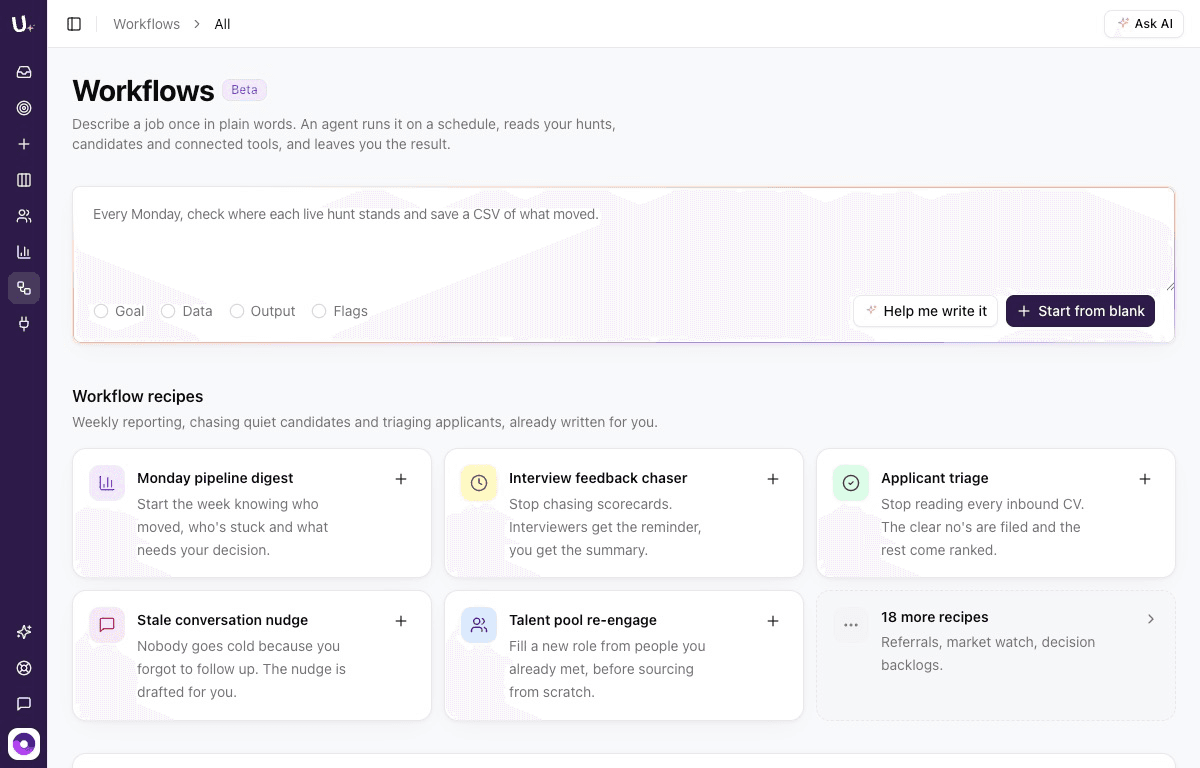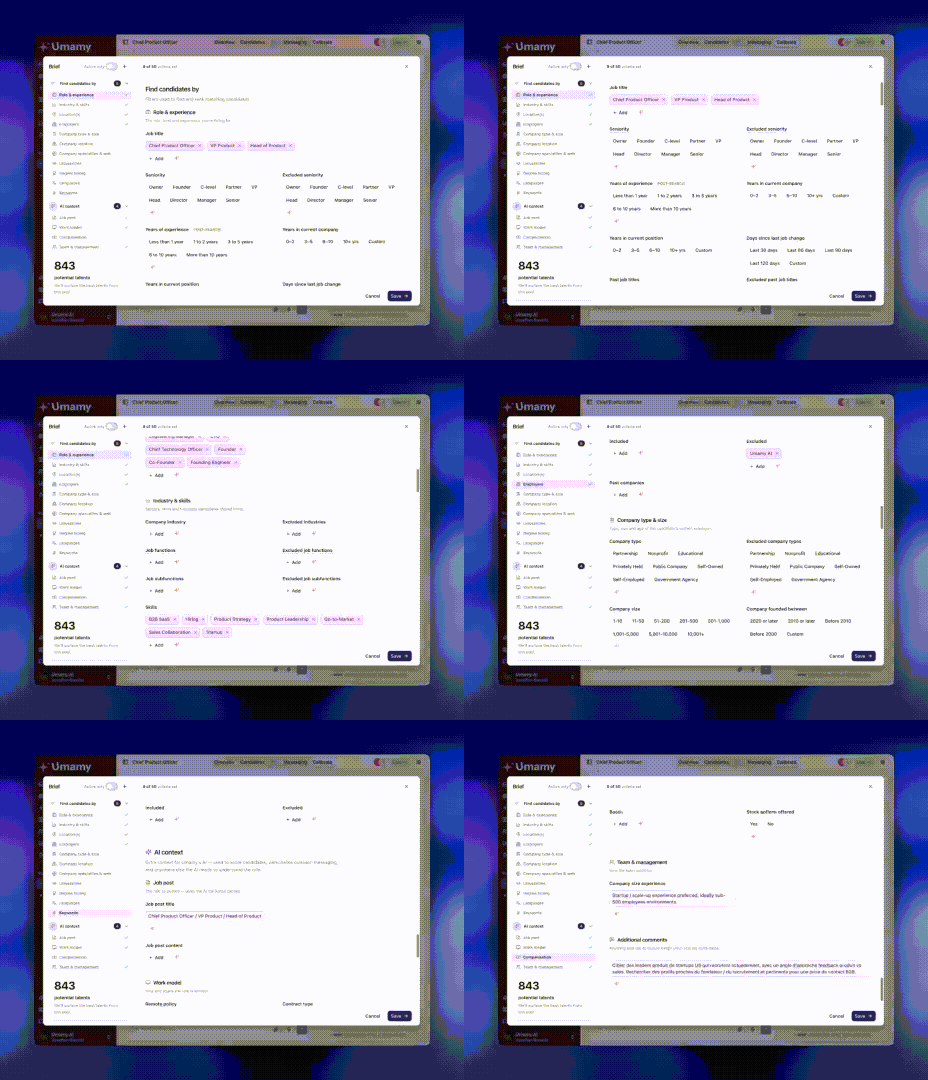
What shipped in May 2026
A busy month. Five major features across analytics, search, ATS integrations, and AI-powered messaging — plus a partnership that brings Umamy natively into Flatchr.
Cross-hunt analytics dashboard
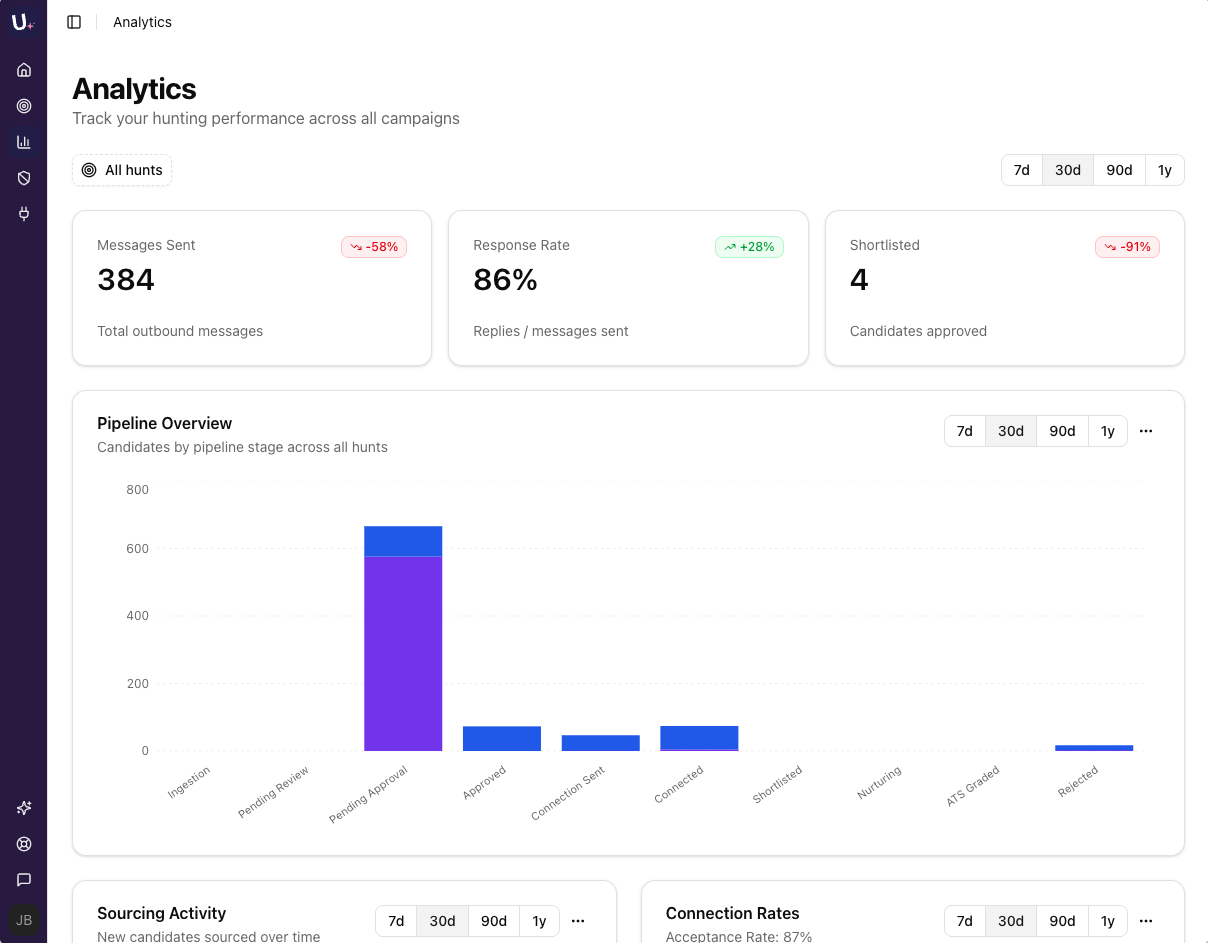
When you're running multiple hunts in parallel, a per-hunt view isn't enough. The new analytics dashboard gives you the full picture: candidate distribution, funnel performance, and outreach metrics — across all your hunts at once.
- Unified view of your entire recruiting pipeline
- Compare performance across hunts side by side
- Spot bottlenecks at a glance without switching tabs
One view to understand where you stand.
Degree timing filters
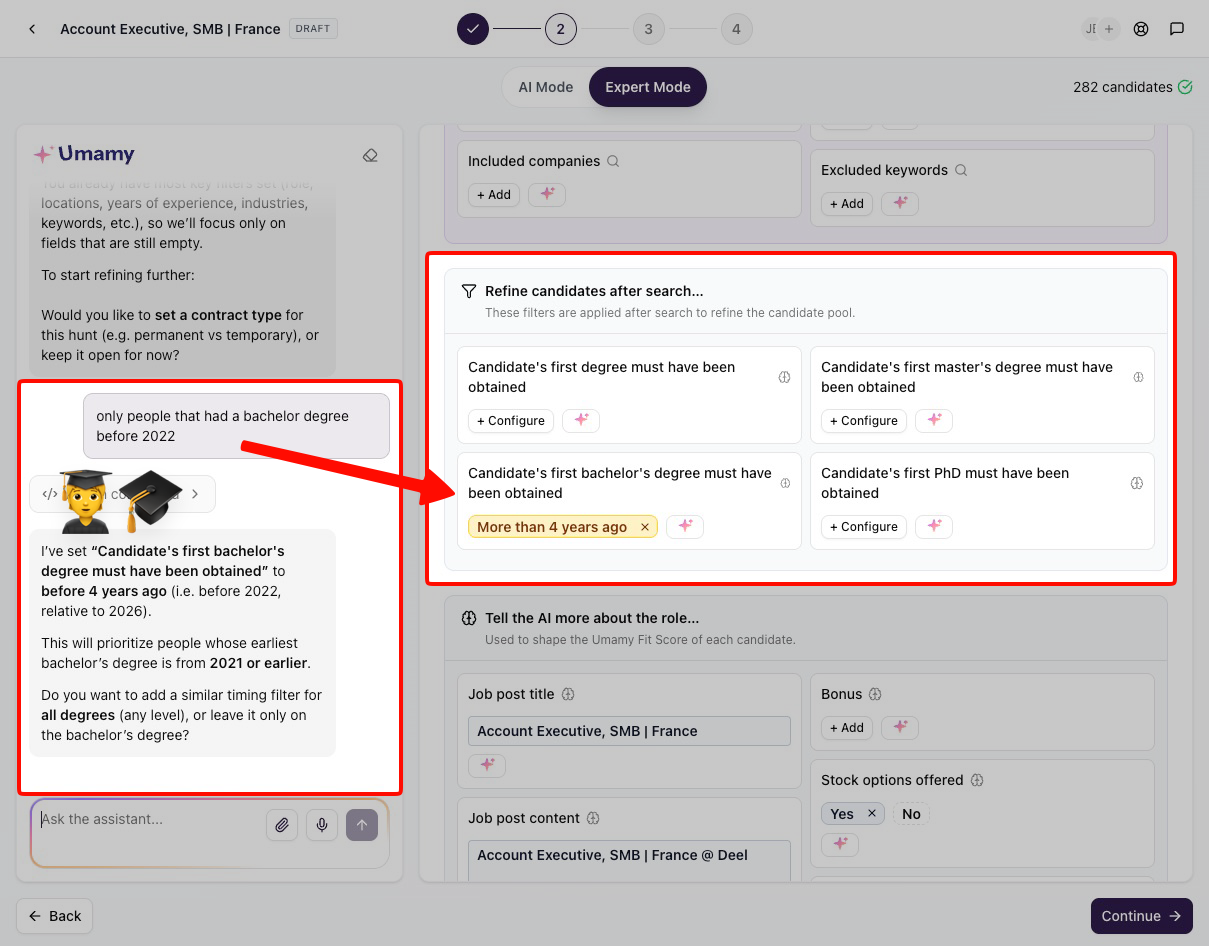
You can now narrow candidates by graduation timing — for bachelor's, master's, and PhD degrees. Filter by years since graduation or by graduation year range.
Job titles don't always reflect career stage. Graduation date is a reliable proxy — especially for junior and mid-level roles.
Inbound candidate Q&A filters
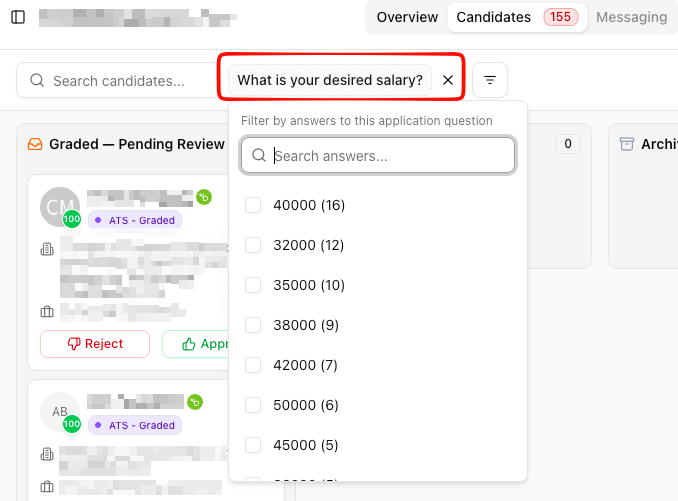
If your candidates fill out application forms in your ATS, those answers are now actionable in Umamy. Filter your pipeline on any answer — without manually reviewing candidates one by one. Answers also appear in scorecard highlights, next to the profile.
Live with BambooHR today.
AI message generation
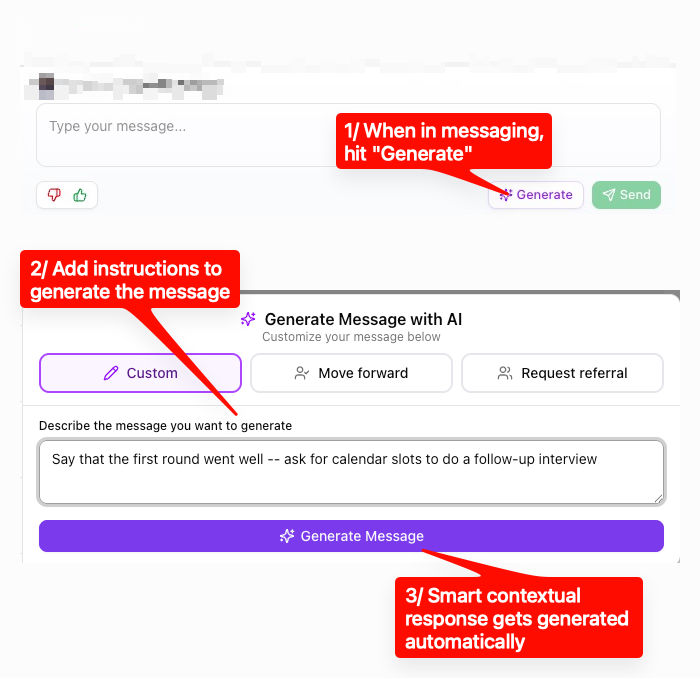
When you need to send a specific message — a follow-up after an interview, a referral ask, a check-in — Umamy writes it for you on demand. Hit Generate, describe what you want to say, and Umamy uses the candidate's profile and conversation history to draft it. You review and edit before sending.
- Works at any stage of the conversation
- Uses full candidate context — profile and message history
- You're always in control before it sends
Flatchr marketplace
Umamy is now natively listed in the Flatchr marketplace. If your team uses Flatchr as their ATS, you can connect it to Umamy directly — no workarounds, no manual syncing. Candidates from Flatchr jobs flow into Umamy automatically.
Also shipped

- Reject reason — Log the reason when you reject a candidate, directly from the kanban
- Message source — See whether a message was sent via Umamy or directly via LinkedIn
- LinkedIn import improvements — Pagination for hiring projects, sorting by name/favorites/engagement, and job posting details
- What's New page — New changelog accessible from the sidebar
- First-degree connections automation — Job automation settings now also apply to first-degree LinkedIn connections
Coming soon: MCP integration
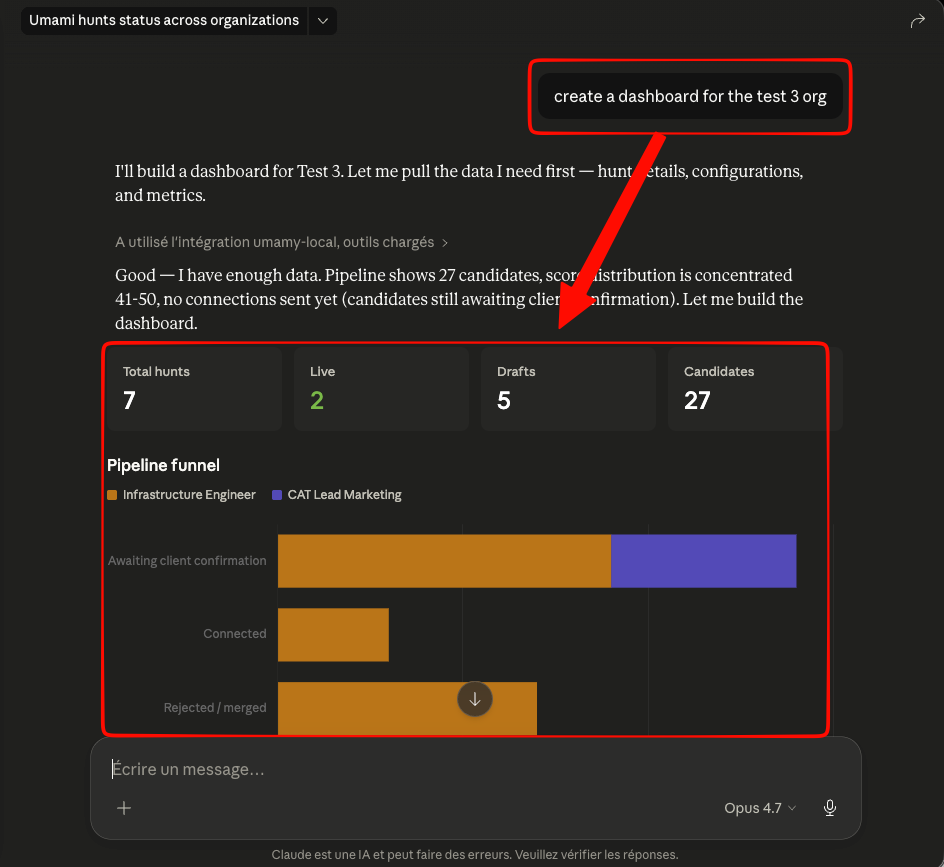
An MCP server that connects Umamy to Claude, ChatGPT, and other LLMs. Your Umamy data — candidates, conversations, pipeline — becomes accessible directly from your AI of choice.
Example queries you'll be able to ask:
- "Send me a daily report of all candidates who replied positively this week"
- "Move all candidates I've exchanged with on LinkedIn to this Notion page"
- "Which hunt had the best response rate last month?"
Beta access coming next.